Answer the questions
Questions are optional in practice. If you picked Reading only, you go straight to your reading result after sending. Comprehension shows Not assessed. You can also tap Skip questions when the questions appear.
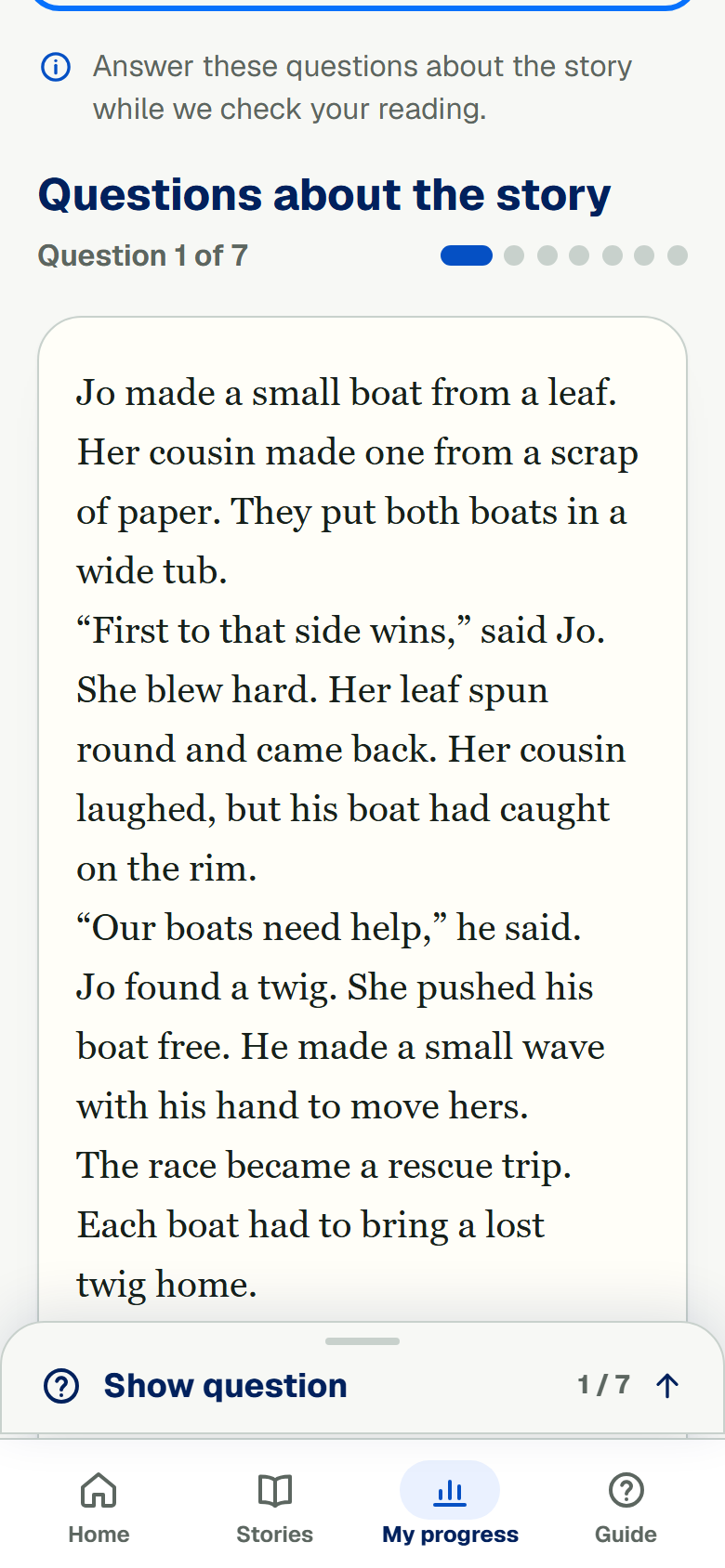
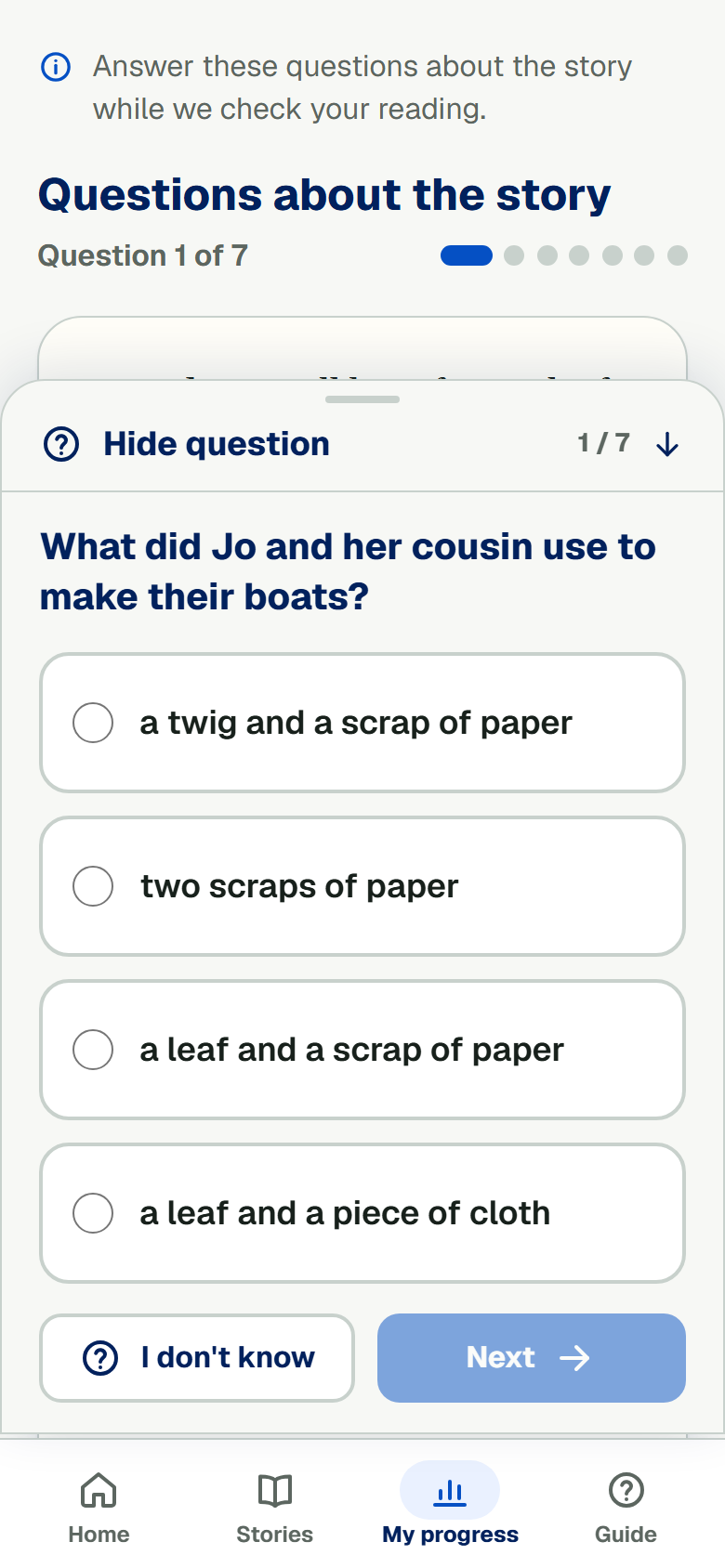
After you send your reading, the full story stays on the page. Tap Show question at the bottom. The question opens over the story. Tap Hide question to read the story again. Your answer stays saved while you open and close the panel. This works for practice and school reading checks. Want to change an answer? Tap Back to go to the question before. Tap Next to move on again. Once you finish, you see which answers were right, why, and where to find them in the story.